 Export the Schedule Health Score Report In Oracle Primavera Cloud (OPC)
DOWNLOAD THE PDF HERE
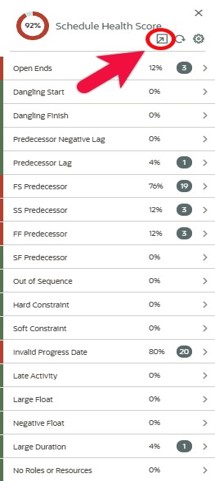
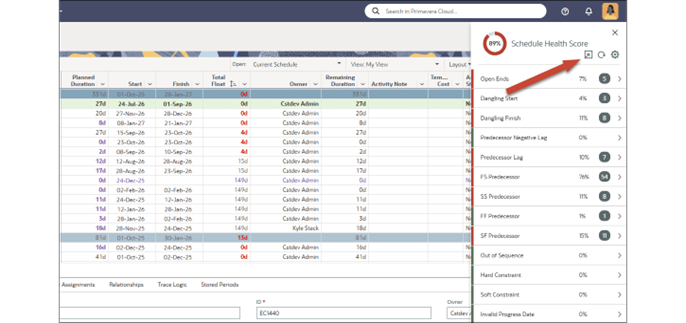 Oracle Primavera Cloud (OPC) includes a Schedule Health Score tool that helps you quickly evaluate the overall quality of a project schedule. Think of it as a built-in “schedule QA/QC (Quality Assurance / Quality Control)” check: OPC reviews your schedule against a defined set of health criteria and rolls the results into an overall score, while also showing which checks are passing and which need attention.
This is especially useful when you want to:
1. validate schedule quality before issuing an update or sharing a baseline,
2. identify common problems early (so they don’t snowball during progress updates)
3. create a repeatable, documented process for schedule governance.
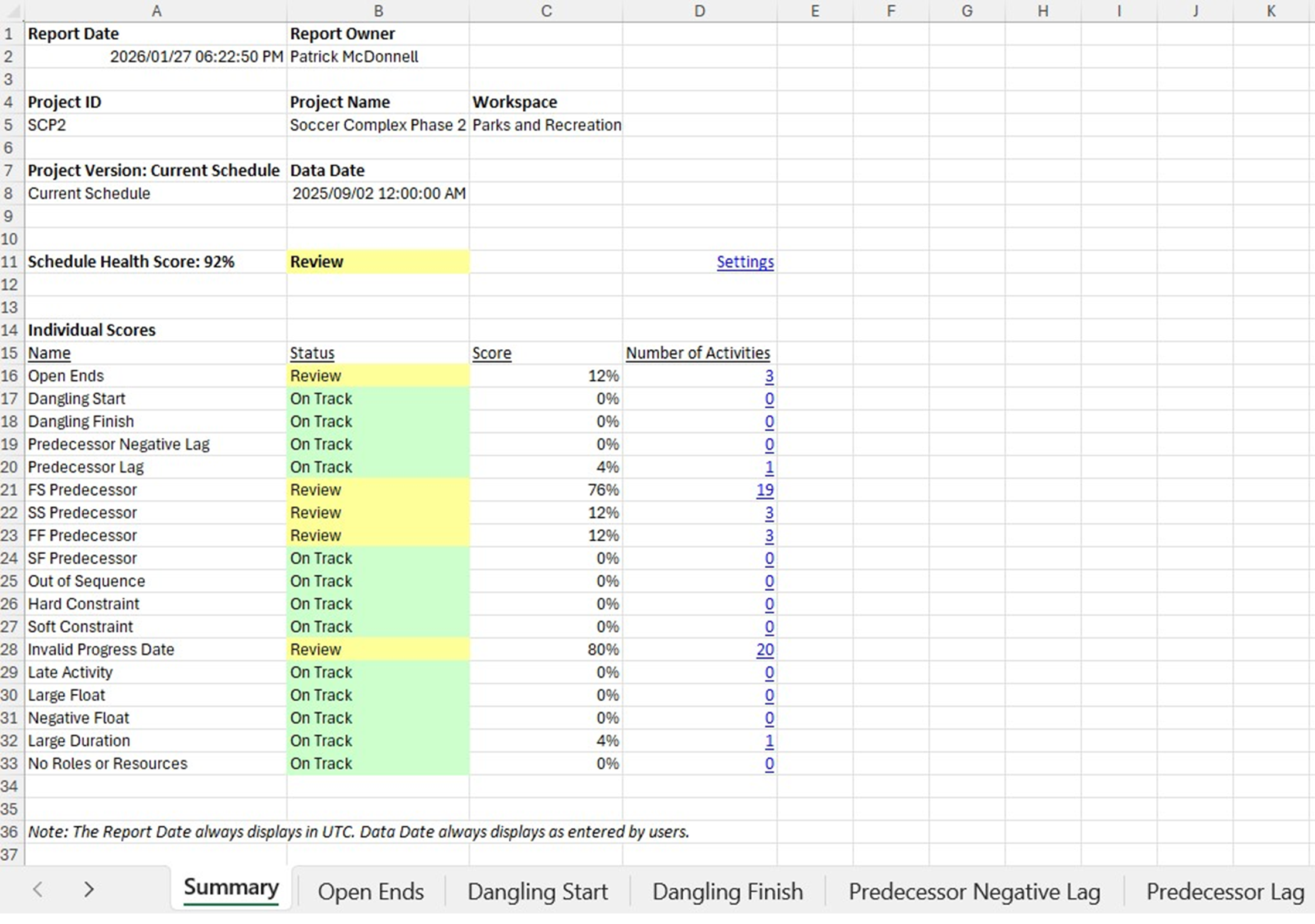
With the newer export capability, you can now export the Schedule Health Score results to an Excel workbook, making it easy to share the findings with project teams, leadership, and stakeholders, without requiring them to log into OPC.
Exporting the Schedule Health Score Results
The export is completed directly from the Schedule Health Score panel within Activities.
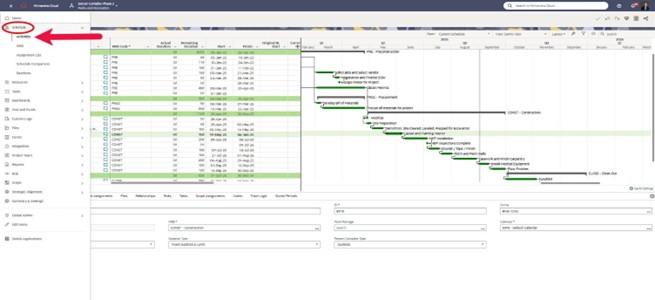
1) Navigate to Activities
Open your project and go to the Activities page.
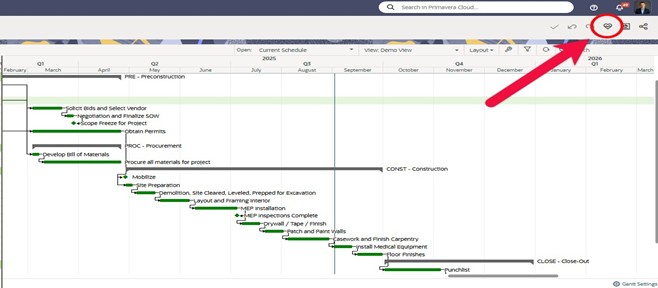
2) Open the Schedule Health Score panel
Select the Schedule Health Score icon to open the panel.